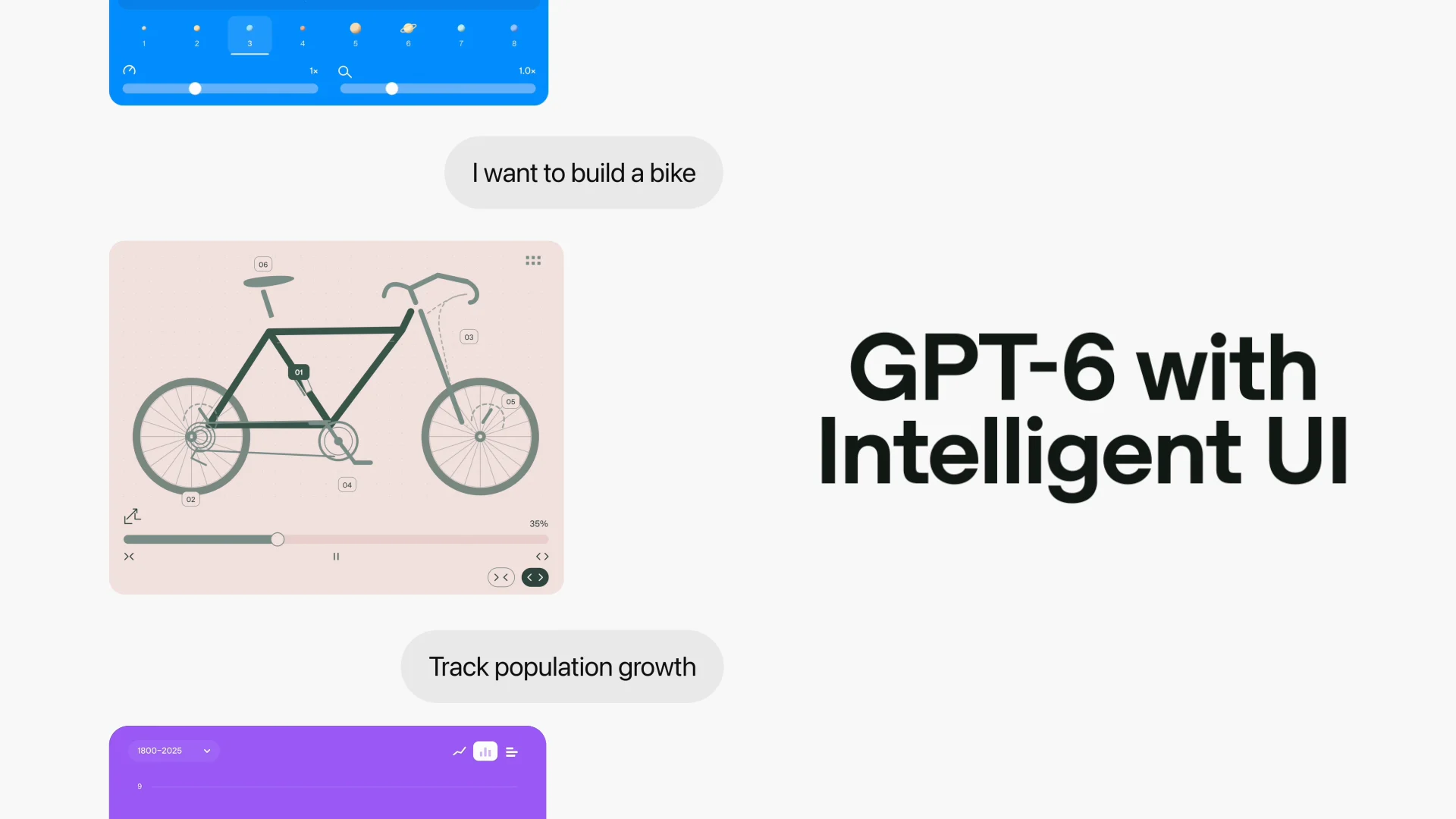
An AI assistant may increasingly create the interface needed to answer a question.
Google’s November 2025 Gemini 3 app announcement included experiments in generative interfaces. In retrospect, the idea helps explain why conversational products are not limited to chat bubbles. An interface can be assembled around what someone is trying to accomplish.
Google introduced generative interfaces and experimental agent features alongside Gemini 3. The story below separates the announcement from its broader implications and limitations.
Three things to know
- 01Google announced Gemini 3 in November 2025.
- 02Its Gemini app update emphasized generative interfaces and an experimental multi-step agent.
- 03The idea has broader significance for accessible, task-specific AI experiences.
The original Google announcement is linked below and is dated 2025-11-18. This article distinguishes that primary-source record from editorial interpretation. See the announcement
The hard part is maintaining usability when a screen changes from one answer to the next.
What does that actually mean?
A recipe can become an interactive shopping list; a comparison can become a tool you can adjust.
What actually happened
Google announced Gemini 3 in November 2025. Its Gemini app update emphasized generative interfaces and an experimental multi-step agent.
The November 2025 Gemini app update paired the new model with generative interfaces and early agent features. The interface idea is especially relevant when a question is better answered by interaction than text.
Why this matters
Ordinary apps require users to navigate pre-built screens. Generated interfaces can instead present a response in the shape most suitable for a task: a comparison, a plan, a visual or an interactive control.
A generated visual can make options easier to compare, yet a control without a clear label or predictable behavior introduces accessibility problems. Conventional design standards still apply.
What to be careful about
Adaptive interfaces must still be predictable and accessible. A novel display is not necessarily a better one if users cannot verify or undo its actions.
What to watch next
Evaluate whether generated interfaces improve comprehension and completion speed over plain prose, and whether they are usable with keyboards and screen readers.
Measure task completion, error recovery and user comprehension, not only whether an interface looks impressive in a demonstration.
Design choices that matter
Consider comparing two travel options or understanding a mathematical function. A small interactive control may answer follow-up questions faster than a long block of prose.
The resulting interface should still communicate assumptions, support assistive technologies and avoid making an uncertain output look like a settled fact. Ease of use needs to serve understanding.
A question worth asking
When does a generated interface save effort, and when does it make a task harder to learn?
A useful way to assess the announcement beyond the headline.Read further
Original announcements and independent coverage, linked directly for closer reading.