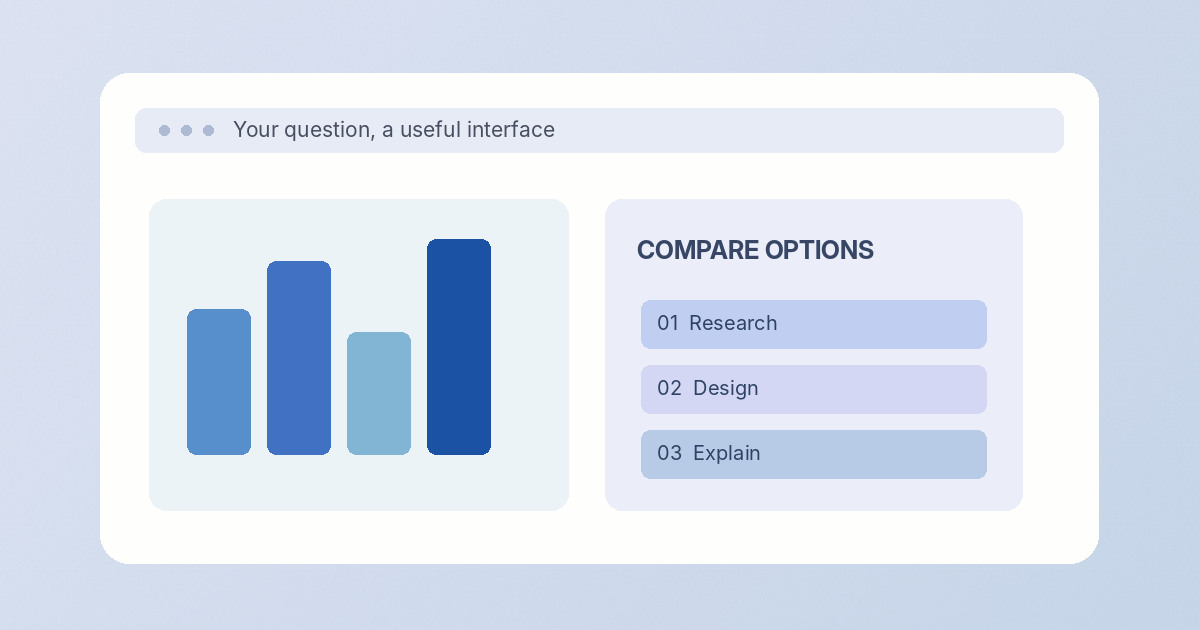
AI answers are becoming experiences you can use, not just text you read.
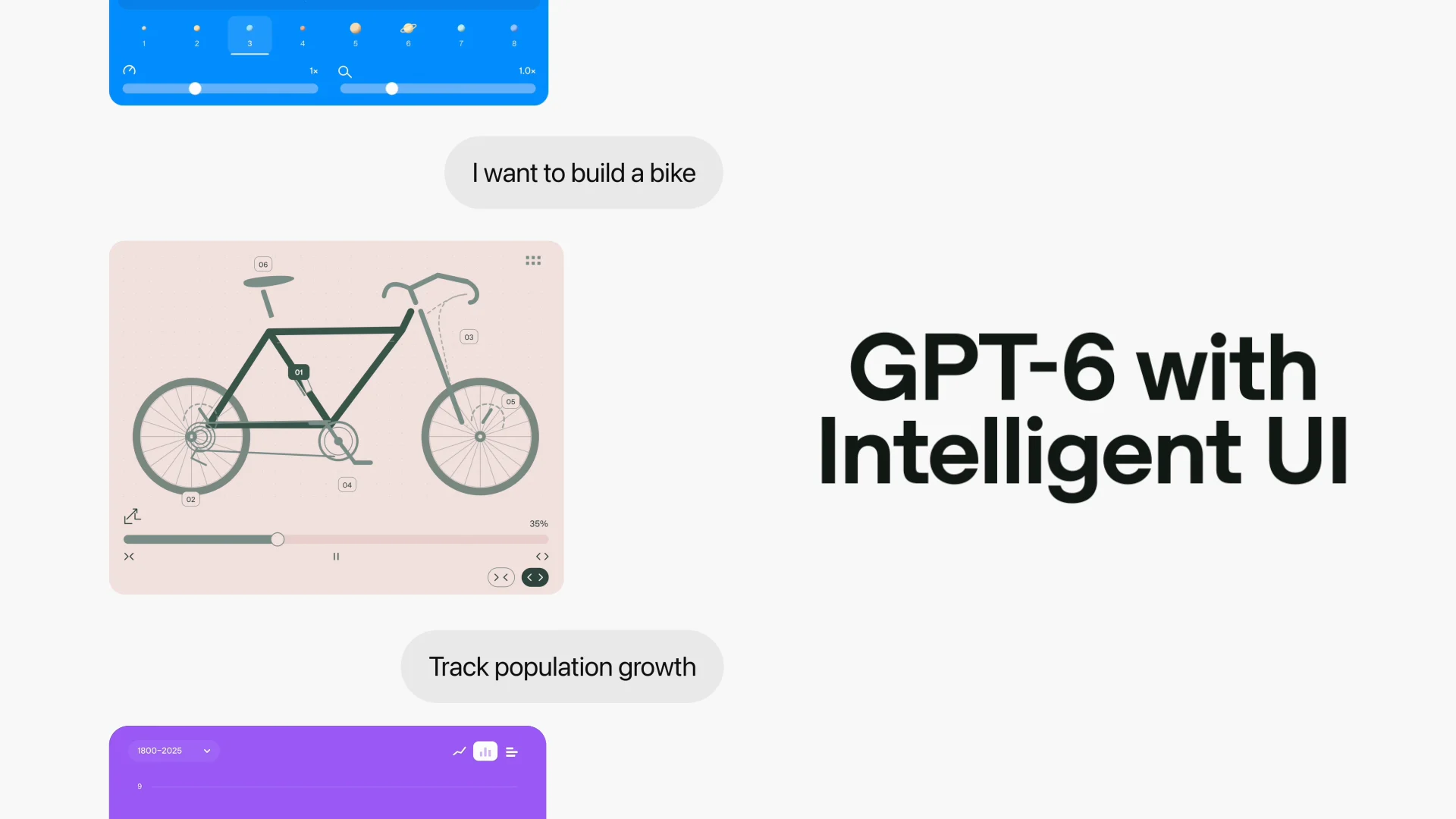
Imagine asking how a savings plan grows and receiving adjustable controls, a working chart and explanatory prose in one response. That is the product idea behind Intelligent UI. OpenAI announced on October 7 that GPT-6 can compose visual and interactive responses inside ChatGPT, rather than using text for every job.
OpenAI’s latest ChatGPT release puts an important idea into practice: not every question should end with a wall of text. With GPT-6 and Intelligent UI, responses can incorporate visuals and interactive elements chosen for the task.
Three things to know
- 01Intelligent UI adds interactive elements to ChatGPT responses, not just plain text.
- 02OpenAI describes global rollout across paid and free ChatGPT plans, subject to availability.
- 03The bigger implication is a shift from fixed software screens toward interfaces generated for the moment.
What does that actually mean?
Think of the difference between reading instructions to build a chart and seeing a chart you can immediately explore.
What was announced
On 7 October 2026, OpenAI announced a broader GPT-6 rollout in ChatGPT alongside a feature it calls Intelligent UI. Rather than providing only prose, the system can choose diagrams, comparisons, controls and other interactive elements when they help answer a question.
The company frames the change as a way for people to explore information directly, learn difficult concepts and build small tools within a conversation. The rollout details vary by ChatGPT plan.
Why it matters
This changes the design expectation for AI products. For some tasks, a dynamic visual explanation or a working calculator can be more useful than another paragraph. For developers, the relevant question is not simply whether a model can answer correctly, but whether it can present the answer in a format people can act on.
It also raises familiar interface questions: accessibility, consistency, user control and the need to make generated interactive elements dependable. Those issues will matter as the approach matures.
The practical takeaway
Watch how frequently interactive responses outperform conventional answers in everyday tasks. The announcement shows a product direction, but teams should still evaluate the usefulness and reliability of each generated interaction in context.
What the announcement does not settle
What is confirmed is an announced capability and a phased rollout. What is not established by the announcement alone is how consistently every generated control performs across difficult tasks. Accessibility, accuracy, and a clear path back to plain text will determine whether this becomes everyday software or an impressive demonstration.
The original OpenAI announcement is linked below and is dated 2026-10-07. This article distinguishes that primary-source record from editorial interpretation. See the announcement
What is confirmed is an announced capability and a phased rollout.
The practical consequence
A learner exploring a scientific idea may find an adjustable visualization easier to understand than several paragraphs of description. A professional comparing alternatives might prefer to change a number and immediately see what happens.
The design challenge is to make these views useful without hiding assumptions. Clear labels, accessible controls and inspectable evidence are still what turn a polished interface into a trustworthy one.
A question worth asking
How will the interface let a user inspect where its numbers come from?
A useful way to assess the announcement beyond the headline.Read further
Original announcements and independent coverage, linked directly for closer reading.